Free tool
What's my IP address?
Your public IPv4 and IPv6, where they appear to be, who provides them and what their reverse DNS says, plus a lookup for any other address. Instant, free, no sign-up.
What is my IP?
Your public IP address, where it appears to be, and who provides it. Discovered live from your browser.
Look up a different IP
Checking a server, a firewall log entry or a suspicious connection? Paste any public IPv4 or IPv6 address.
Your IP is read from this site's own Cloudflare edge (with ipify and icanhazip as backups) and detailed via ipwho.is (ipapi.co as fallback); reverse DNS runs over encrypted DNS. Every request is made directly by your browser, so we don't see or store the addresses you check.
When your IP address matters
- Support asks for it. 'What's your IP?' is the first question when someone's allowing you through a firewall, fixing a VPN or tracing a problem. Now you can answer in five seconds.
- Allowlists depend on it. Card terminals, supplier portals, remote desktop and site-to-site VPNs are often locked to specific addresses. If your IP changes and things stop working, this is why.
- Firewall logs are full of them. The lookup below tells you whose network an address belongs to, which turns a scary log line into something you can act on.
- CGNAT breaks things quietly. If your 'public' IP starts with 100.64 to 100.127, your ISP is sharing one address between many customers, and inbound connections like VPN hosting won't work.
Beyond the number
Your IP says a lot about your connectivity
Dynamic address? CGNAT? Everything riding on one broadband line? The number above is often the first clue that a business has outgrown its connection.
When a business needs a static IP
Site-to-site VPNs, remote access, supplier allowlists, card terminals and anything that answers inbound connections all want an address that never changes. Static IPs come as standard on our leased lines, and where a full fibre line is overkill we'll spec the right connection with the right addressing, including 4G/5G backup that keeps you reachable when the primary line fails.
One address, whole-business risk
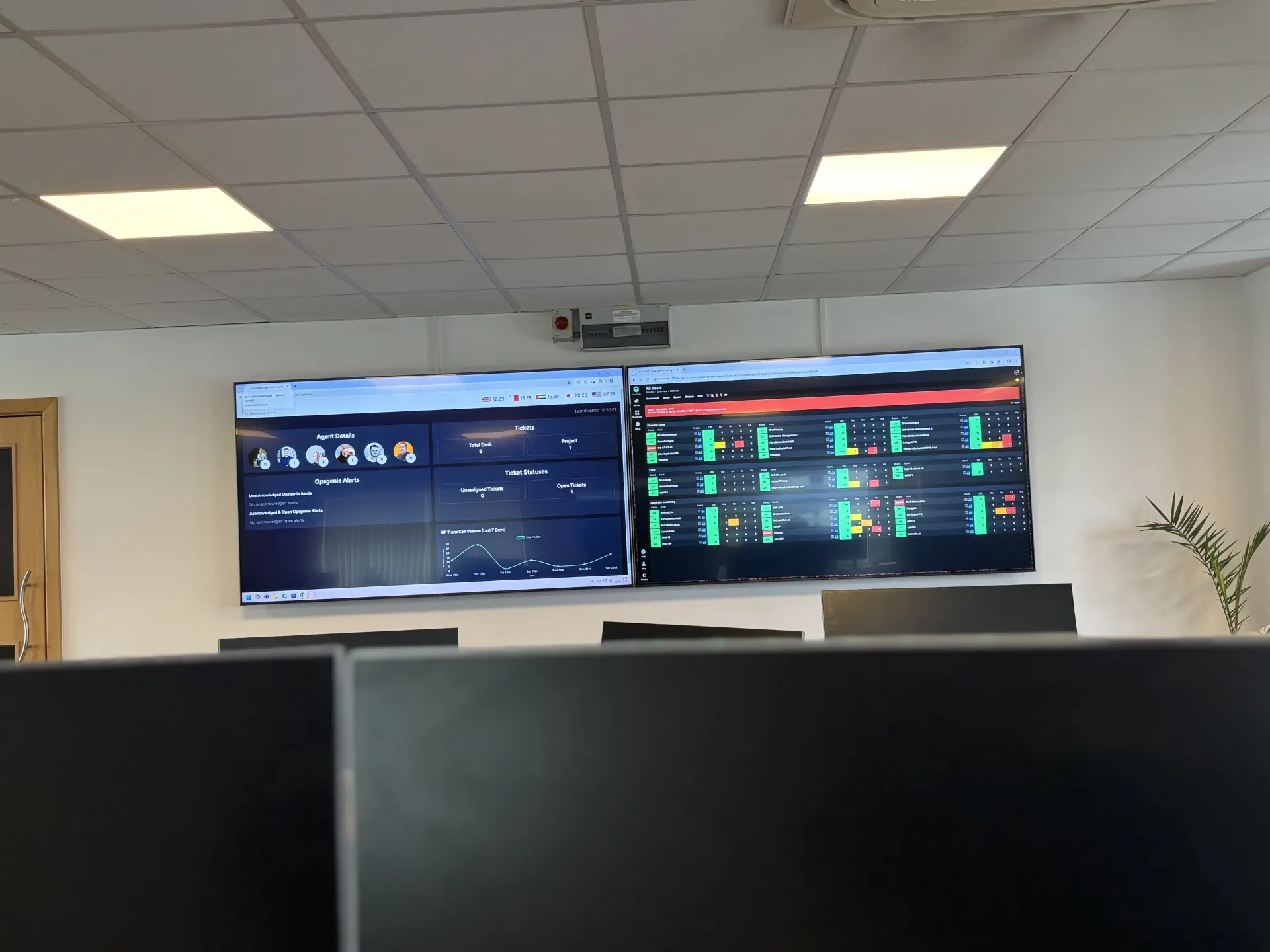
If everything (phones, cloud, card payments, email) leaves through one line and one address, that line is your single point of failure. We design resilient connectivity with automatic failover through SD-WAN, and our network operations centre watches it around the clock so a dying line gets caught before the office notices.
Questions
About this tool
City-level on a good day, county-level often, and occasionally just plain wrong. IP location comes from where your provider registers and routes the address block, not from your device, which is why it tends to show your ISP's nearest hub rather than your street. The postcode shown is the rough centre of that area. If the country is wrong, you're probably on a VPN or a corporate network that reaches the internet somewhere else.
IPv4 is the original addressing scheme, and its 4.3 billion addresses ran out years ago, which is why they're shared and rationed. IPv6 is its replacement with more addresses than we'll ever exhaust. Most UK connections still lead with IPv4, many carry both, and a few are IPv6-only. Seeing both here simply means your connection is dual-stack, which is a good thing.
A static IP never changes; a dynamic one can change whenever your router reconnects. Home broadband is almost always dynamic. Businesses usually want static for anything that depends on being recognised: site-to-site VPNs, inbound services, supplier allowlists, some card terminals and mail servers. If things break every few weeks when your address rotates, a static IP (standard on leased lines, cheap to add elsewhere) is the fix.
Three usual suspects. A VPN, corporate or personal, makes you appear wherever its exit point is. Some ISPs route regions through central hubs, so you show up where the hub is. And location databases update on their own schedules, so recently moved address blocks can point at old owners for months. It's cosmetic for browsing, but it matters if a service restricts by geography.
Carrier-grade NAT is how ISPs stretch scarce IPv4 addresses: many customers share one public address. You'll spot it if your router's WAN address starts with 100.64 to 100.127 but this page shows something different. Outbound browsing works fine, but anything inbound (hosting a VPN, remote access to a NVR or server, some game and VoIP setups) breaks. The fix is usually asking your ISP for a real address, or moving that workload somewhere with one.
It's normal; every site you visit sees it, because that's how the internet routes traffic back to you. On its own it reveals roughly where you are and who your provider is, nothing more. The sensible cautions are the same as ever: a firewall that's locked down on the way in (test yours with our outbound security test), software kept patched, and a VPN if you don't want sites knowing your rough location.
Connectivity doing your business justice?
If your IP set-up is causing VPN headaches, allowlist pain or single-line risk, we'll design connectivity that fits, and support it 24×7.