The last workload has moved, the cutover weekend went quietly, and the project team is ready to stand down. It’s the natural moment to call a cloud migration finished. Yet the estate you’ve just built is almost never the one you should still be running a year from now.
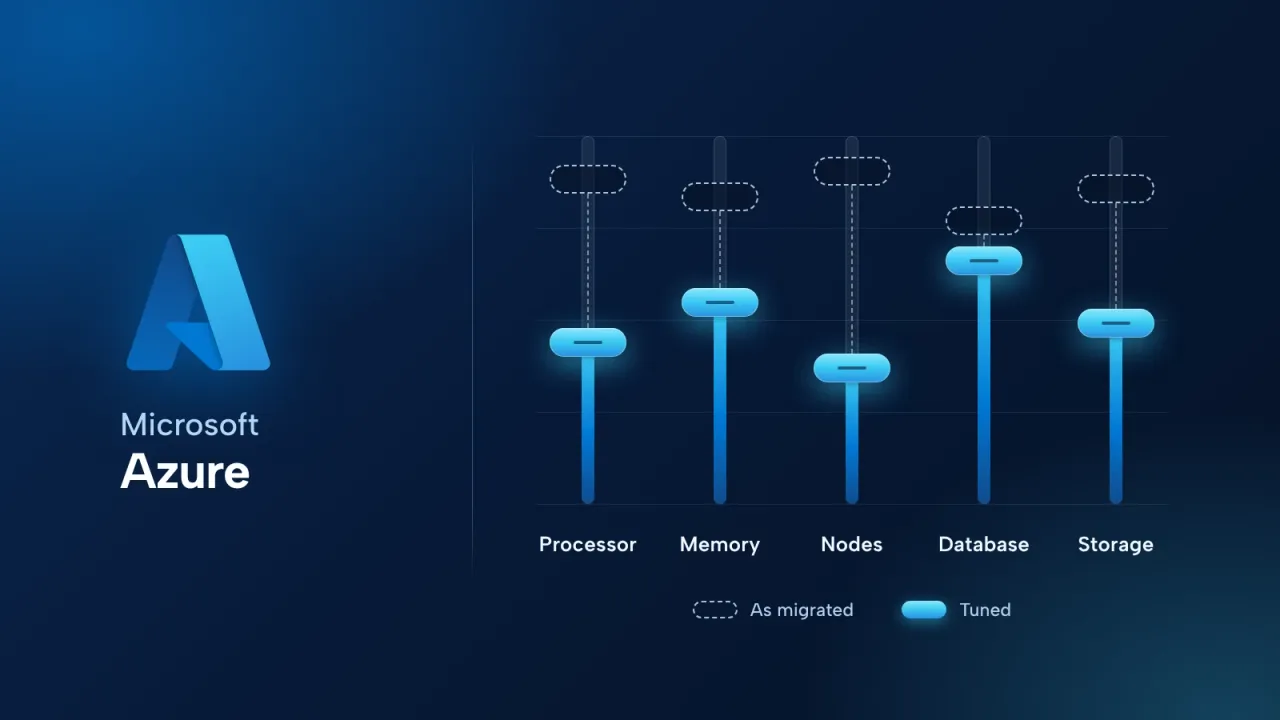
A migration moves what you had. Machines are sized to match the old ones, with a little headroom added because nobody wants a performance problem on day one. That’s the right call for a safe cutover, and the wrong shape to pay for indefinitely. We’re in exactly this phase on a programme that moved a large platform of containerised services from AWS to Azure, so here is how we approach the tuning that follows, and why the order matters as much as the changes.
Measure before you change anything
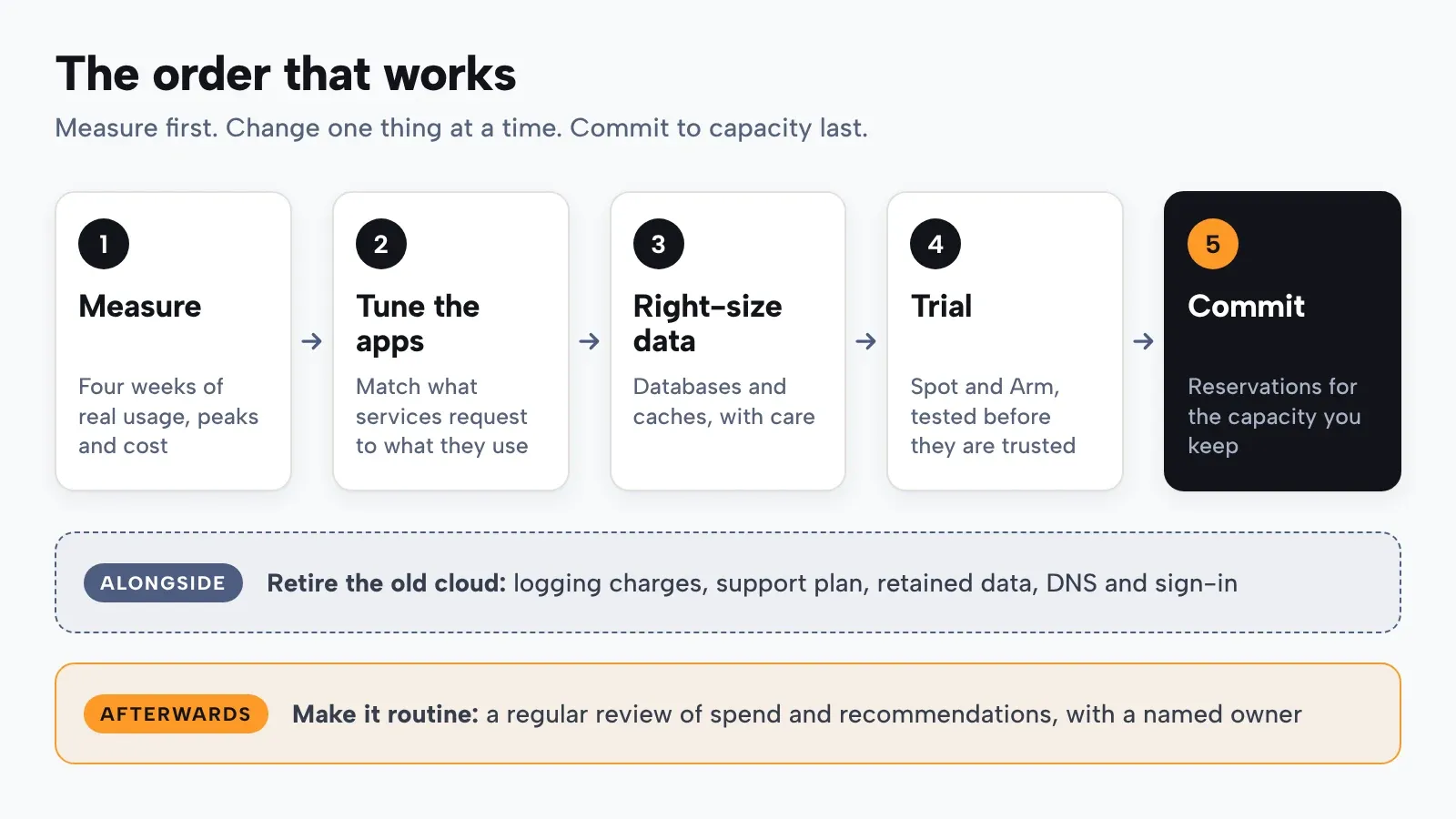
The first four weeks after the final cutover are for measuring, not changing. For every service we want to know three things: what capacity it actually uses, what it has reserved, and what stays running when it’s quiet. That means processor and memory usage at its lowest, typical and highest, alongside traffic, response times, error rates and the real cost rather than the estimate in the business case.
Two honest caveats. Four weeks won’t always be representative. If your busiest period is month end, year end or a seasonal peak, either make sure the window includes it or agree a test that stands in for it. And measure the things you suspect you can’t shrink as well. A database held on its current tier for resilience reasons is still worth measuring, because “we checked, and here is why it stays” is a better answer than a guess.
Start with what the applications ask for
On a container platform, the first place to look isn’t the size of the machines. It’s the gap between what each application asks for and what it uses. On Azure Kubernetes Service, every service states how much processor and memory it wants set aside. Those figures are often educated guesses made years ago and carried across untouched. The platform dutifully reserves the lot, and you pay for machines to hold capacity nobody is using.
Kubernetes has a tool for this, the Vertical Pod Autoscaler, and we run it in recommendation mode: it watches real usage and suggests better figures without changing anything itself. The suggestions go into a plain comparison of what each service requested, what it typically used, what it peaked at and what is recommended. Agreed reductions are then applied by hand, a few services at a time, with checks that performance and autoscaling still behave.
After that we look at how workloads pack onto machines, and whether a small overflow in demand is being met by starting a needlessly large one.
The same principle holds if you run ordinary virtual machines: compare what you provisioned with what you use, and fix the allocation before you change the hardware.
Right-size the data layer with care
Databases and caches come next, and they deserve more caution. Their peaks matter more, and the cheaper tier often drops something you rely on, such as high availability or a recovery guarantee. So the output for each one is a clear recommendation: either the saving available, or the specific constraint that prevents a reduction. Storage gets the same treatment, comparing provisioned capacity with actual use, retention and expected growth.
Trial the cheaper options, don’t assume them
Two options can lower compute costs, and both need testing rather than faith.
Spot capacity is Azure’s spare capacity sold at a discount, on the understanding that it can be taken back at short notice. It suits development and test environments far better than production, so that’s where we trial it, measuring both the saving and how cleanly services recover from an interruption.
Arm-based machines, such as Azure’s Cobalt range, are sold on better price-performance than the x64 machines most estates run on. But they are a different processor architecture, so application images, native libraries and monitoring agents all have to be validated. We move a simple, compatible service first, then compare throughput, response time and cost per unit of work against the original. One caution on any headline figure: price-performance describes efficiency, not the size of the cut in your bill.
Buy reservations last, not first
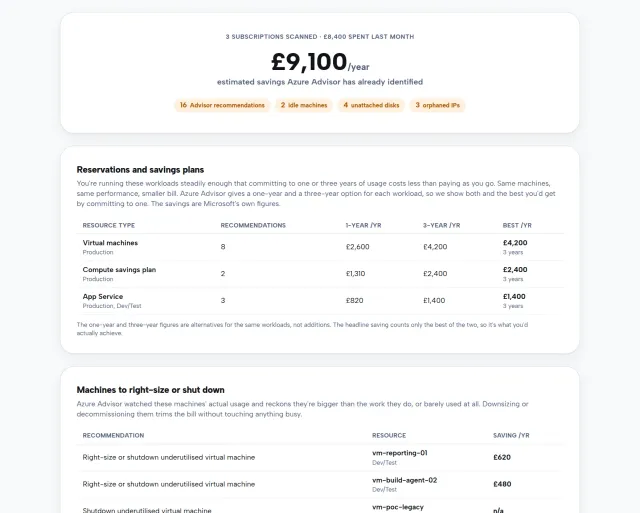
Reservations and savings plans are the best-known way to reduce an Azure bill: commit to one or three years of steady usage in return for a lower rate. They work, and our free Azure cost review will show you what Azure Advisor thinks you could save.
On a freshly migrated estate, though, the order matters. Commit on day one and you lock in the oversized footprint you’re about to shrink. So the preparation starts early (what rates does your existing agreement already give you, and what is already covered?) and the purchase waits until right-sizing, architecture choices and operating hours have settled. Then you commit to the capacity you intend to keep, with the usage evidence to justify it.
Finish leaving the old cloud
Until the old platform is fully switched off, you’re paying for two. Decommissioning is a workstream in its own right, and the bill doesn’t always fall the way you expect. Check that logging and monitoring charges are dropping in step with the workloads you’ve moved, and chase down whatever is still generating them. Look at the support plan, which may carry a minimum charge that no longer makes sense. And make deliberate decisions about the data left behind: what is deleted, what is kept, where it goes and what evidence of the final export you need. DNS and sign-in are often the last things still pointing at the old platform, so plan for them rather than discovering them.
One change at a time, then watch
None of this is done in a single weekend. Each candidate change gets a short write-up: the expected benefit, the effort, the tests that prove performance and resilience are intact, and how to roll it back. Changes go in one at a time with an observation period after each, so the monitoring shows what that change did. A weekly review looks at the new evidence and agrees the next step.
It’s slower than a big-bang optimisation sprint. It’s also the only way to know which change produced which result, or which one caused the problem.
Make it routine
The final deliverable isn’t a smaller bill. It’s a habit: a regular review of spend, anomalies and fresh recommendations, with a named owner and follow-up actions. Cloud estates drift. New services appear, old ones linger, and the waste creeps back unless somebody is looking. That is the job our cloud operations centre does month after month.
Where to start
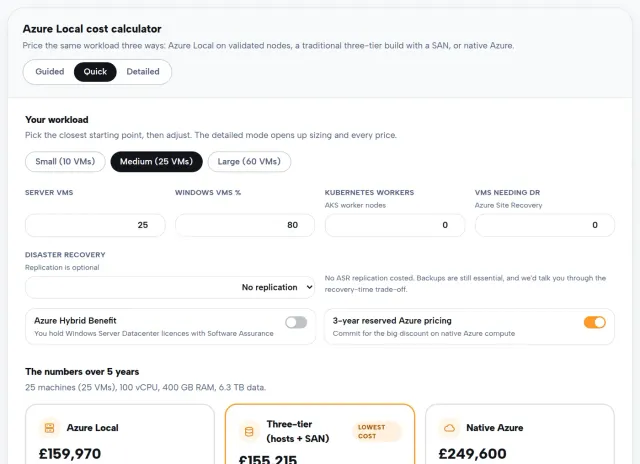
If you’ve recently moved to Azure, or you’re part-way out of AWS, the first step costs nothing: run the Azure cost review for a quick read on the obvious waste. If you run containers and want the deeper tuning described here, our Kubernetes support team will help you measure first and change second. Get in touch and we’ll take a look.