The new firewall is in. People can get online, remote access works, and the installation project is coming to a close. Before everyone moves on, there is one question worth asking: who is looking after it from tomorrow?
A good deployment gives you a sound starting point. Keeping it that way takes ongoing work. Software changes, people leave, suppliers need access, and the rules that made sense on installation day need reviewing as the business grows.
Managed firewall support gives that work a clear owner. Whether your own IT team handles it or you use a service provider, these are the things to get straight before the project handover.
Who receives the alerts, and what happens next?
Start with a simple scenario: your firewall reports a serious problem at 11pm on a Friday. Who receives the alert? Can they investigate it? What are they authorised to change, and when do they contact you?
A dashboard showing that a device is online answers only part of the question. Monitoring should also cover its health, important connections and relevant security events. Someone needs to distinguish routine noise from something that warrants action.
Ask your provider to explain the response process in plain English. Agree which events are covered, the hours of service, response targets and the escalation route. If network support and security incident response sit with different teams, make sure the handover between them is understood.
Who keeps the firewall software up to date?
Firewalls run software, usually called firmware, and that software needs maintenance. There should be an owner for checking vendor security notices, assessing whether your equipment is affected and arranging the appropriate update or mitigation.
The NCSC’s guidance on mitigating malware and ransomware specifically highlights keeping boundary devices such as firewalls and VPN products patched. An internet-facing security device deserves attention even when users have reported no problems.
Routine updates need a maintenance window, a current configuration backup and a recovery plan. Urgent security issues also need a route for action outside the normal schedule. After a change, check the services the business relies on, including remote access and connections between sites.
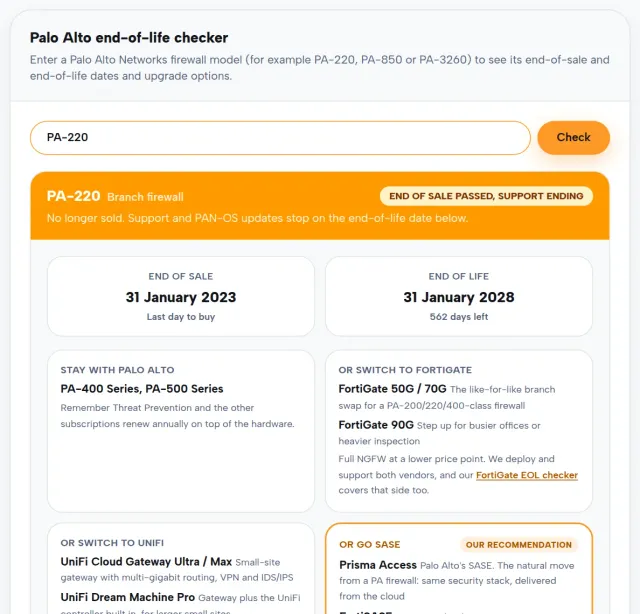
Keep track of support and subscription renewals too. The effect of an expired licence varies by product and feature, so establish what your particular firewall needs. Our firewall end-of-life guide is a useful starting point for checking whether the hardware remains supported.
Do the access rules still match the business?
Imagine a supplier needs temporary access to help install a new application. The rule is added, the work finishes, and everyone gets on with their day. Unless someone owns the follow-up, that access can remain long after its purpose has gone.
Each exception should have a reason, an owner and a review date. Temporary access should have an agreed end date. Reviews should check whether the connection is still needed and whether it allows more access than the job requires. The NCSC also recommends checking for forgotten temporary firewall rules in its guidance for periods of heightened cyber threat.
Changes need a record of who requested them, who approved them and how they were tested. That record helps the next engineer understand the configuration and gives you a way to trace unexpected behaviour back to a recent change.
The same care applies to administrative access. Establish who can change the firewall, use individual accounts where supported, protect access with multi-factor authentication where available, and remove accounts when people or suppliers leave. Management access should be restricted to approved routes.
Try our free outbound firewall tester
If you use FortiGate, our free configuration reviewer offers another starting point. Follow the guide to make a password-masked export, then review supported settings locally in your browser. The configuration is not uploaded, and each finding explains what still needs an engineer’s judgement.
For a quick starting point, run our free outbound firewall security test from the network you want to check. It shows whether your browser can reach standard and alternative HTTPS ports, giving you something concrete to discuss when reviewing outbound access rules.
The results are indicative: a browser cannot test every port or protocol, and proxies or VPNs can affect the route being tested. A reachable port is not automatically a problem; compare the results with what your business actually needs, then ask your IT team to investigate any surprises.
Could you recover the configuration when you need it?
A replacement device is much more useful when you have a current, usable copy of its configuration and a documented way to restore it.
Ask where configuration backups are stored, who can access them and whether they are updated after changes. Protect those backups: they can contain sensitive information about your network and its connections. Keep a copy available independently of the device you may need to replace.
A recovery exercise should establish what else is required, such as a compatible replacement, licences, certificates and authorised access. If you have a standby firewall or a second internet connection, agree how failover will be tested safely and record the result.
The useful question is: how will we restore the connections our people need, and what could delay us?
What should a managed firewall service show you?
You should be able to see what is being looked after without having to read pages of raw logs. Agree a reporting format that shows the work completed, the issues still open and the decisions that need your input.
A useful review covers:
- Software and support: the current version, outstanding security actions and upcoming renewal or support dates.
- Access and changes: rules reviewed, temporary exceptions still open and significant configuration changes.
- Monitoring and response: important events, the action taken and any follow-up work.
- Recovery: the latest successful configuration backup and the outcome of agreed recovery or failover tests.
Make the service boundaries clear as well. Hardware replacement, emergency changes, on-site attendance and investigation of a wider security incident may have different terms. Knowing that at handover makes planning much easier.
Start with a clear handover
Before signing off a firewall project, ask for the configuration documentation, support contacts, access arrangements and the schedule for ongoing checks. Assign an owner on your side who can approve changes and make business decisions when needed.
You do not have to replace a working firewall to improve how it is managed. Often the first useful step is to review the equipment, its configuration and the support arrangements around it.
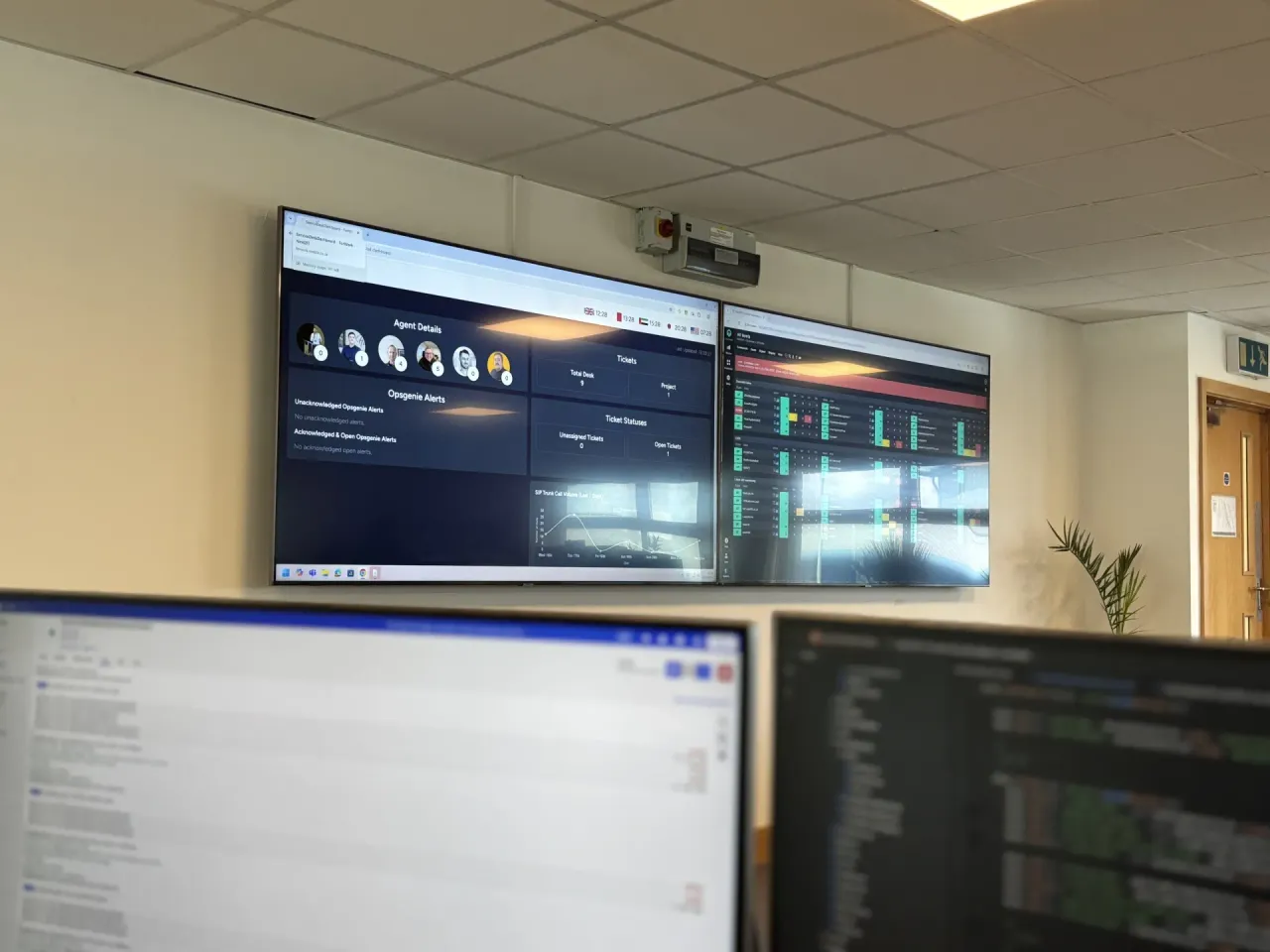
Next2IT’s Network Operations Centre provides round-the-clock infrastructure monitoring and management, including firewall management and security patching. We can help you establish what your estate needs and agree responsibilities alongside your internal team.
If you are unsure who is looking after your firewall now, talk to our team about a configuration and support review. We will help you work out what is covered, where the gaps are and what to prioritise.